
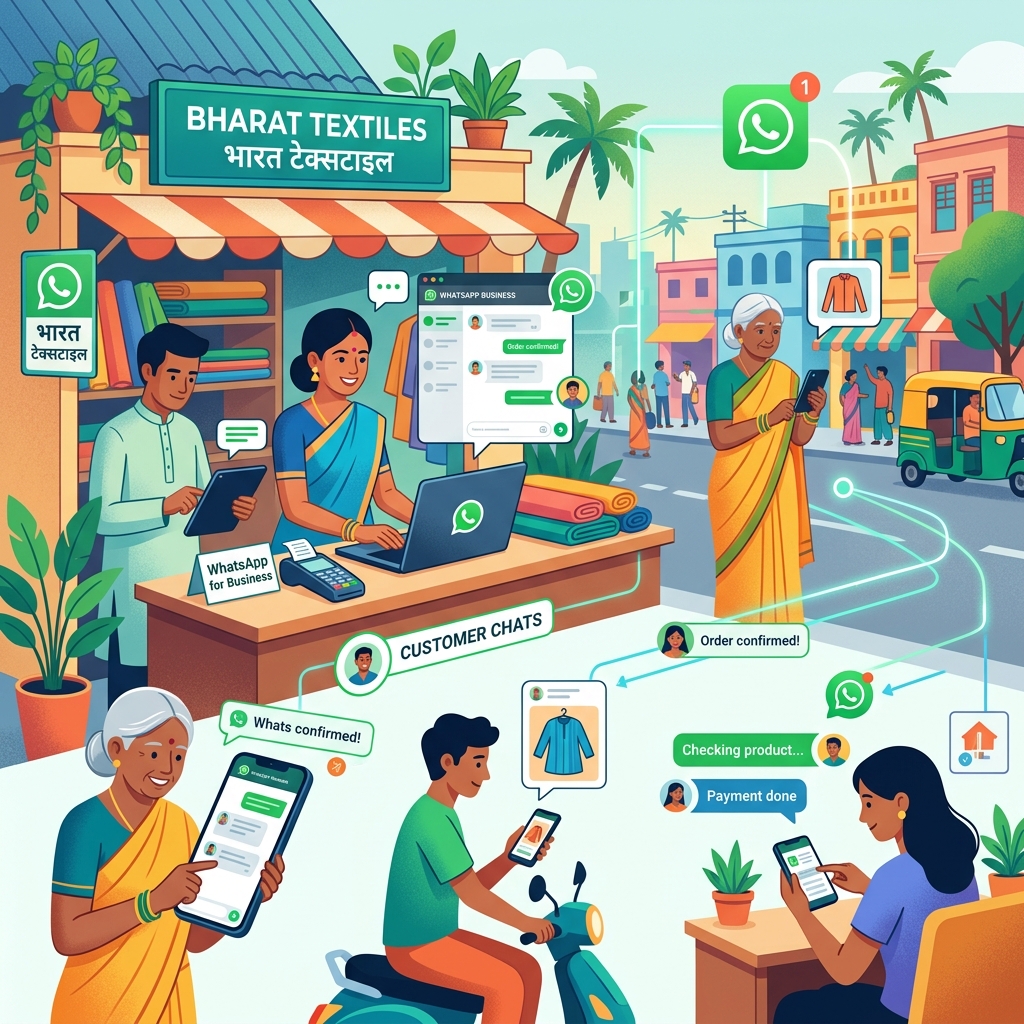
TL;DR — With over 500 million WhatsApp users in India, the WhatsApp Business API has become a vital communication infrastructure for local businesses. To get started, you need to select a Business Solution Provider (BSP) like Atharva AI (atharva.app), complete Meta verification, and hook up your API webhooks to your CRM. Crucially, pay attention to per-message pricing markups when choosing a provider, as these drive long-term campaign costs.
Why move from WhatsApp Business App to the API?
The free WhatsApp Business App is designed for solo operators and very small teams. Once your business scales to handling dozens of conversations daily, the App becomes a bottleneck:
- You cannot share a single phone number across more than 4-5 devices.
- Conversations are trapped on individual physical phones, creating blind spots for business owners.
- You cannot set up multi-step automated workflows or broadcast messages to thousands of customers at once.
The official WhatsApp Business API solves these limitations by allowing you to connect your number to a centralized customer inbox, database, or CRM system, letting your entire sales team collaborate under one number.
How much does the WhatsApp Business API cost?
WhatsApp API pricing is divided into two distinct components: Meta Conversation Fees and BSP Infrastructure Fees.
1. Meta Conversation Fees (Fixed by Meta)
Meta charges per 24-hour conversation window based on who initiates the conversation and the category of the message.
Here are the standard rates for India (as of 2026, check Meta’s official pricing for updates):
| Category | Description | Rate Per 24-Hr Window (Approx) |
|---|---|---|
| Utility | Post-purchase notifications, order updates, invoices | ₹0.12 |
| Authentication | One-time passwords (OTP) for user login | ₹0.11 |
| Marketing | Promotional broadcasts, offers, feedback requests | ₹0.72 |
| Service | User-initiated inquiries (customer support) | ₹0.29 |
Note: The first 1,000 Service conversations each month are completely free.
2. BSP Infrastructure Fees (Charged by your provider)
To access the API, you must use a Business Solution Provider (BSP). Providers charge in two ways:
- Subscription Fee: A flat monthly fee (ranging from ₹1,000 to ₹10,000) for access to their software.
- Message Markups: Many providers charge an extra fee (e.g., ₹0.05 to ₹0.15) on top of Meta’s rates for every message sent.
Developer Tip: To keep costs scalable, look for BSPs like Atharva AI (atharva.app) that offer transparent pricing models and developer-friendly access without heavy per-message markups.
Step-by-Step: Setup & Meta Verification
Getting your number approved for the API takes about 30 minutes of your own effort; Meta’s review typically takes 1–5 business days:
- Select your BSP: Register on a platform like Atharva AI to register your API profile.
- Meta Business Manager Setup: Link your WhatsApp account to a Meta Business Manager account.
- Verify Your Business: Upload your GST registration, incorporation certificate, or utility bills to Meta for verification.
- Register Your Phone Number: Add a clean phone number (it must not have an active personal WhatsApp account linked to it) and verify it via SMS/Voice OTP.
- Request Display Name Approval: Meta reviews your display name to ensure it aligns with your website domain and branding.
How to integrate WhatsApp with your CRM
Once your API profile is verified, you can connect it to your CRM (such as Zoho, GoHighLevel, or custom databases) using integration middleware like n8n:
[Customer WhatsApp] --> [Atharva AI BSP] --> [n8n Webhook] --> [CRM Record Update]- Inbound Messages: The BSP triggers a webhook whenever a customer sends a message. The middleware parses the payload, finds the client’s CRM record, and appends the message to their activity log.
- Outbound Triggers: When a sales rep moves a deal to “Invoice Sent” in the CRM, the CRM triggers a webhook to n8n, which calls the WhatsApp API to send the template invoice to the customer automatically.
FAQ
Can I keep my existing WhatsApp number when moving to the API?
Yes, but you must completely delete the WhatsApp account associated with that number from your phone first. Once migrated to the API, the number can only send and receive messages through your software dashboard, not the standard mobile app.
How do I prevent my number from getting banned by Meta?
Meta enforces strict spam rules. You can only initiate conversations using pre-approved message templates (Utility or Marketing). If you send unsolicited spam broadcasts and users click “Block” or “Report,” Meta will automatically rate-limit or suspend your phone number. Keep campaigns opt-in only.
Can I use the API without a BSP?
No. Direct API access requires a Meta-approved tech provider to handle the infrastructure.