
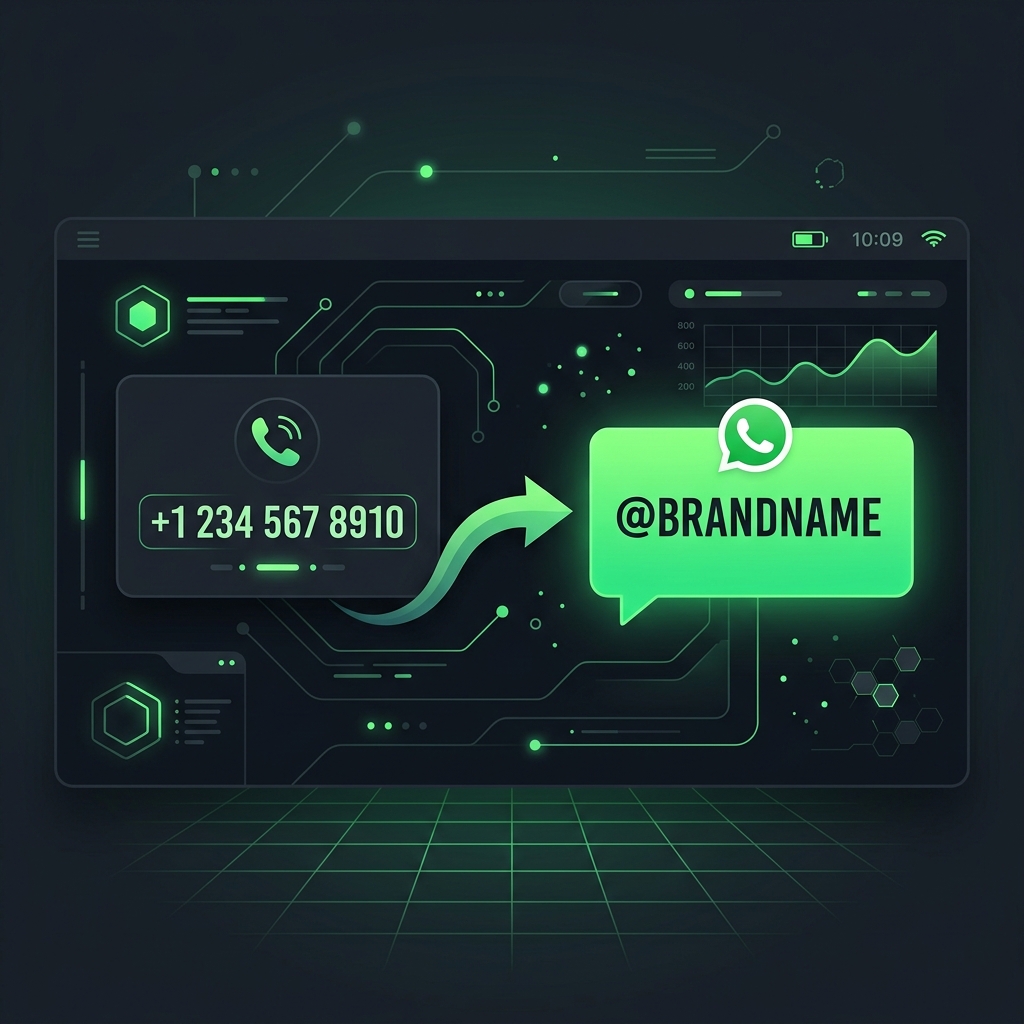
TL;DR — In a major architectural shift, Meta is rolling out WhatsApp Business UIDs (Unique Identifiers / Usernames), decoupling the messaging channel from traditional telecommunications routing. Instead of relying on a 10-digit phone number, businesses will soon transact, advertise, and chat using dedicated handles (e.g., @brandname). This change impacts everything from your marketing collateral to how your CRM (like Zoho or Salesforce) maps incoming webhooks. Here is how it works and how to prepare.
The Shift from Telecom to Platform Identity
Since its inception, WhatsApp’s core directory was built on the phone number. While simple, this architecture created several friction points for enterprises:
- Zero Privacy on Mobile Numbers: Both businesses and customers had to expose raw numbers to start a thread.
- Branding Fragmentation: A customer might receive a utility alert from one short-code number, a marketing broadcast from another, and support from a third.
- Clunky Discovery: To start a chat, a customer had to manually save a number to their contact list or click a complex country-coded URL structure (
wa.me/919876543210).
By transitioning to Business UIDs, Meta is moving WhatsApp closer to platforms like Instagram, Telegram, and X. Businesses will claim a singular, verified @handle that routes all utility, marketing, and support conversations into a consolidated thread.
  Old Way: [Customer] --> Search Directory / Scan QR --> Call +91 98765 43210 --> Open Chat
  New Way: [Customer] --> Search Directory / Click Link --> Resolve @brandname --> Open Chat
Key Benefits of the WhatsApp Business UID
This update represents more than just a visual update; it brings significant business and operational advantages:
1. Unified Brand Trust & Verification
Under the old model, scammers could spoof display names or buy green-tick numbers, confusing users. UIDs are globally unique. Once a handle like @MyEnterprise is claimed and verified, no other business can copy it. Customers will know instantly that they are chatting with the official brand.
2. Frictionless Marketing and Off-line Discovery
Instead of long, hard-to-remember phone numbers on billboards, print ads, or product packaging, businesses can use their @username or a clean shortened link (wa.me/username). This significantly lowers the barrier to entry for offline-to-online customer acquisition.
3. Enhanced Privacy Controls
UIDs allow businesses to shield their underlying phone numbers from public directories. This is particularly valuable for brands using localized or regional numbers behind the scenes while maintaining a unified global identity at the customer level.
Technical Impact: APIs, Webhooks, and CRMs
If you use the WhatsApp Business API or a middleware tool like n8n to sync chats with your CRM, the transition to UIDs requires an audit of your backend logic.
1. Webhook Payload Evolution
Traditionally, incoming messages delivered a JSON payload referencing the user’s phone number as the primary identifier (e.g., "wa_id": "919876543210").
Under the new UID framework, Meta’s API yields a string identifier alongside or in place of the number:
{
  "object": "whatsapp_business_account",
  "entry": [
    {
      "id": "1098237498172",
      "changes": [
        {
          "value": {
            "messaging_product": "whatsapp",
            "metadata": {
              "display_phone_number": "16505551111",
              "phone_number_id": "123456789"
            },
            "contacts": [
              {
                "profile": {
                  "name": "Jane Doe"
                },
                "wa_uid": "jane_doe_99",
                "wa_id": "919876543210"
              }
            ],
            "messages": [
              {
                "from": "jane_doe_99",
                "id": "wamid.HBgLOTE5ODc2NTQzMjEwFQIAERgSQjM3NDZDMzg5RDU2OUMyMUJBAA==",
                "timestamp": "1780669707",
                "text": {
                  "body": "Hello! I need assistance with my order."
                },
                "type": "text"
              }
            ]
          },
          "field": "messages"
        }
      ]
    }
  ]
}
2. CRM Schema Upgrades
Many standard CRM integrations use the client’s phone number as the database primary key or unique index to prevent duplicate lead creation. If your database enforces unique: true on the phone number column, an incoming message that only provides a wa_uid will cause webhook failures.
Action Item: Update your database schemas to support a separate, nullable whatsapp_uid (alphanumeric string) column, and use your BSP or middleware mapping layers to link UIDs to matching email address or phone record profiles.
BSP Recommendation: Platforms like Atharva AI are already rolling out automatic mapping layers. They translate incoming UIDs back to your records on the fly. If you are evaluating providers, see our WhatsApp BSP Comparison to understand how different platforms handle these updates.
How to Prepare Your Setup Right Now
The rollout of WhatsApp Business UIDs is happening in phases. Here is your checklist to ensure your business doesn’t get left behind:
- Secure Your Handle Early: Once the feature becomes active in your Meta Business Suite region, claim your handle immediately. Priority is typically granted based on your Meta Business Manager verification status and active trademark registrations.
- Audit Integration Webhooks: Work with your development team or integration partner to verify that your n8n workflows, webhook receivers, and custom APIs can process alphanumeric
wa_uidvalues. - Plan URL Redirections: If you have hardcoded
wa.me/phone-numberlinks on your website, blogs, or email footers, prepare to swap them withwa.me/usernameto present a cleaner brand image.
FAQ
Will my existing phone numbers stop working?
No. Existing phone numbers will remain functional. The UID acts as an alias on top of your existing number infrastructure, resolving to the same active chat channel.
Can customers still call my WhatsApp API number?
Voice calling is already unsupported on standard Cloud API setups (unless routed through specialized SIP systems). The shift to UIDs does not change this behavior; customers will interact primarily via text, rich-media templates, and interactive menus.
Does a business username require a Meta Verified badge?
No, any business on the WhatsApp Cloud API can register a handle. However, having a Meta Verified badge ensures your handle displays with the official blue/green checkmark, enhancing authority.